简单的临时邮箱系统,从头到尾2步骤搞定!
准备前提
- 云服务器
- 将25、3000端口开放(不懂就全部开放)
使用截图
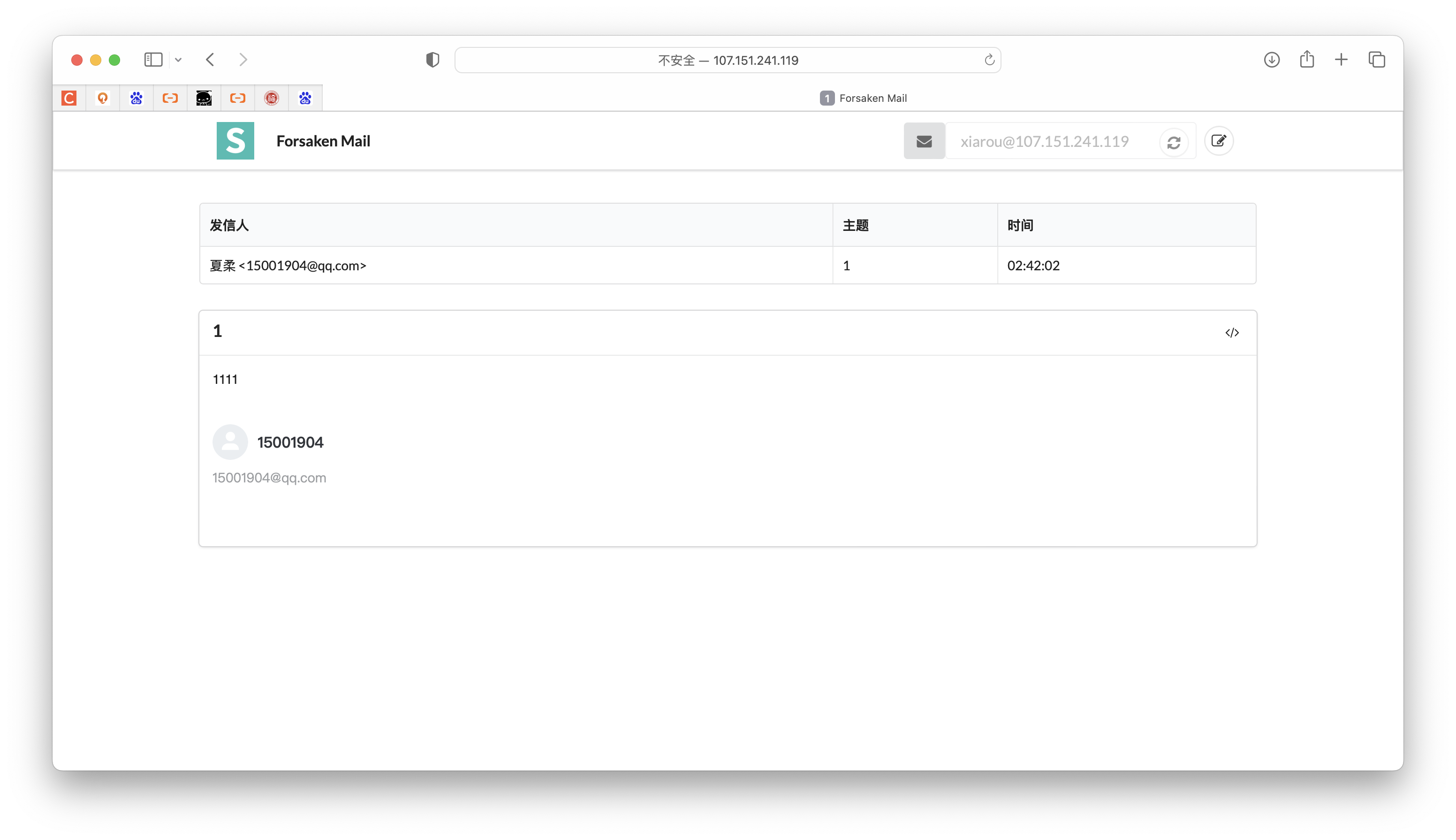
教程开始
一、安装NPM
#Debian/Ubuntu系统
curl -sL https://deb.nodesource.com/setup_10.x | bash -
apt-get install -y nodejs git screen

#Centos系统
curl -sL https://rpm.nodesource.com/setup_10.x | bash -
yum install nodejs git screen -y
二、安装Forsaken Mail
git clone https://github.com/denghongcai/forsaken-mail.git
cd forsaken-mail
#安装Forsaken Mail
npm install
#后台运行Forsaken Mail
screen -S forsakenmail
npm start
然后打开http//example.com:3000就可以查看Forsaken Mail邮箱界面了,如果你打不开界面,可能还需要开启防火墙端口。
注意,如果上面什么都不懂,直接复制粘贴代码,对应的操作系统的代码就行了